Google Classroom: How It’s Used in Indian Schools and Colleges
When you think of Google Classroom, a free online learning platform developed by Google to help teachers create, distribute, and grade assignments digitally. Also known as Google Class, it is one of the most widely adopted tools for remote and hybrid learning in India. It’s not just another app—it’s the digital backbone for thousands of classrooms across the country, from small towns in Uttar Pradesh to elite schools in Bangalore.
Google Classroom works because it doesn’t ask you to learn anything complicated. Teachers upload notes, set deadlines, give feedback, and even hold live sessions—all in one place. Students log in, check what’s due, submit work, and get grades without juggling five different apps. It integrates directly with Google Drive, Docs, and Meet, so there’s no extra cost or technical hassle. For schools that can’t afford fancy LMS platforms, Google Classroom is the go-to. And it’s not just for schools. Many coaching centers for JEE, NEET, and MBA prep now use it to share daily practice sets, record lectures, and track student progress. Even colleges use it to manage assignments for online courses, especially after the pandemic made digital learning a necessity, not an option.
What makes Google Classroom stand out in India isn’t its features—it’s its accessibility. Most students already have Gmail accounts. Teachers don’t need training to use it. No subscriptions. No login barriers. Just a simple interface that works on low-end phones and slow internet. That’s why it’s become the unofficial standard for digital education across tier-2 and tier-3 cities. You’ll find it in Kendriya Vidyalayas, private CBSE schools, and even rural tuition centers. It’s the tool that bridges the gap between urban resources and rural access.
But it’s not perfect. Some teachers still treat it like a digital bulletin board, posting PDFs and forgetting to engage. Students sometimes ignore notifications or forget deadlines. But when used right—when teachers give feedback, ask questions, and keep things interactive—it becomes a real learning space. And that’s what you’ll see in the posts below: real examples of how educators and students are using Google Classroom to make learning stick, not just survive.
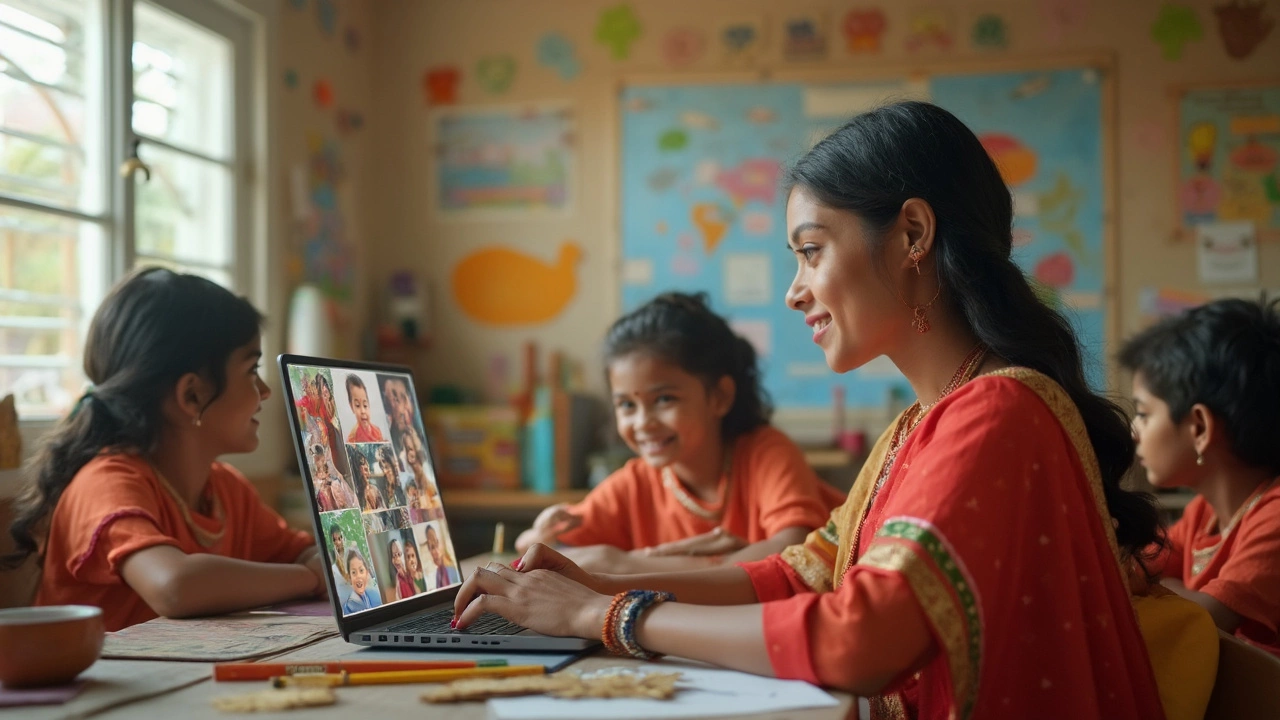
Best Free App for Online Teaching: What Should You Use?
Struggling to pick the best free app for teaching online? This article breaks down the top choices, focusing on the real features teachers use every day. You’ll get clear tips for picking the right platform based on your needs and students. Learn what makes each tool stand out, the hidden catches, and how to make switching platforms painless. Discover tricks seasoned online teachers use to make classes smoother and more interactive.
VIEW MORE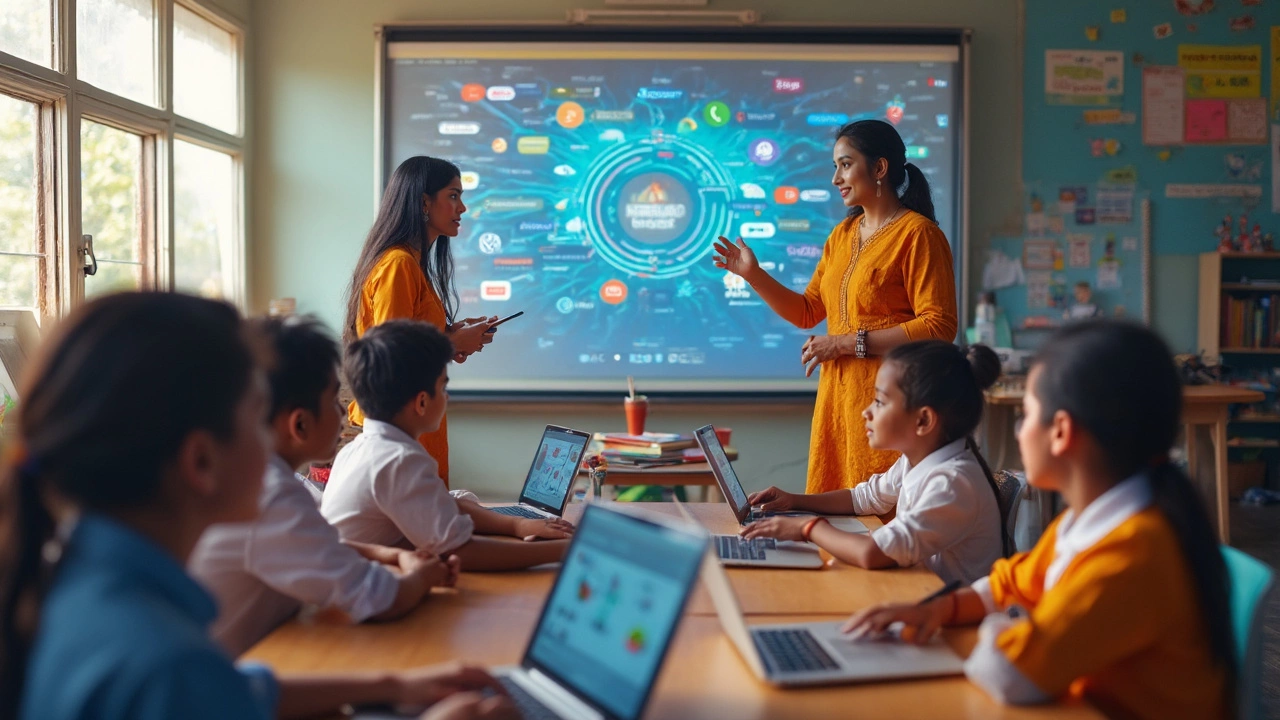
Why Are Schools Moving Away from Google? Key Reasons Explained
More schools are ditching Google as their go-to learning platform. This article digs into what's pushing educators away and what's popping up as alternatives. You'll get insights on big worries, like privacy and tech limits. Find out what real teachers and students are saying, and pick up tips if your school is eyeing a switch. A must-read for anyone following the changes in digital classrooms.
VIEW MORE
Is Google Classroom an LMS? Exploring Its Role in E-Learning
Google Classroom is widely used in educational settings, but is it truly a Learning Management System (LMS)? This article explores the main features and capabilities of Google Classroom, comparing its functions to traditional LMS platforms. The piece aims to clarify its role in e-learning, addressing common misconceptions, and providing tips for educators on how to maximize its potential. Whether you're a teacher or a tech enthusiast, this breakdown will offer practical insights.
VIEW MORE