Can You Code on Your Phone? Real Ways to Learn and Build Apps Anywhere
Mobile Coding App Recommender
Find Your Perfect Coding App
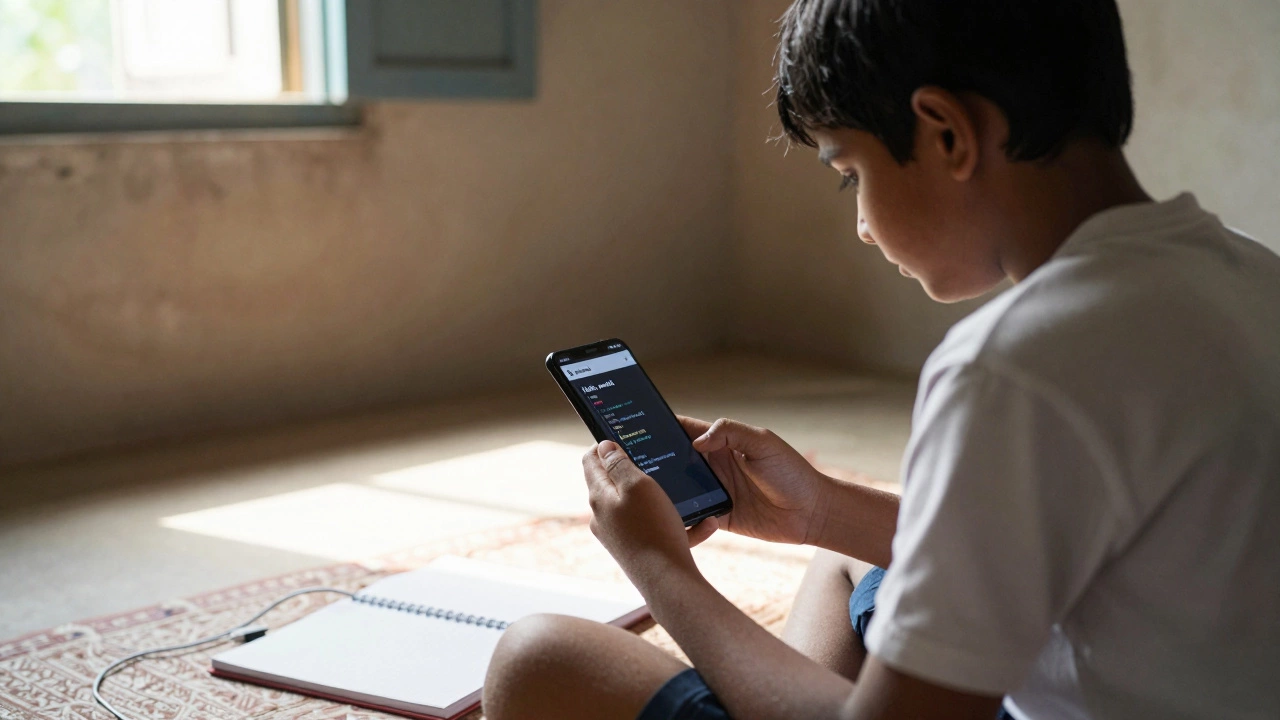
You don’t need a laptop to write code. Not anymore. Millions of people around the world are writing real programs, fixing bugs, and even launching apps-all from their phones. If you’ve ever thought coding means sitting at a desk with a big screen and a mechanical keyboard, you’re working with outdated ideas. Today, your phone isn’t just for scrolling or calling-it’s a full-blown coding tool.
Yes, You Can Code on Your Phone
It’s not a gimmick. It’s not a demo. It’s real. Apps like Pydroid 3 a full Python IDE for Android that supports libraries like NumPy and TensorFlow, Code Editor a lightweight, syntax-highlighted editor for JavaScript, HTML, and CSS on iOS and Android, and Termux a Linux terminal emulator for Android that lets you install GCC, Python, Node.js, and Git turn your phone into a legitimate development environment.
Back in 2020, most mobile coding apps were clunky and limited. Today, they’re fast, stable, and powerful enough to handle beginner to intermediate projects. You can write Python scripts that scrape websites, build simple web apps with HTML and CSS, or even compile C code on your phone using Termux. The hardware is no longer the bottleneck-most modern phones have 8GB of RAM and multi-core processors that outperform laptops from five years ago.
What You Can Actually Build
Don’t believe me? Here’s what real people are building on phones right now:
- A student in Manila built a budget tracker app in Python using Pydroid 3 and saved it to Google Drive. She now uses it daily.
- A high schooler in Lagos coded a simple Android app with Kotlin using AIDE, then published it on the Play Store. It has 12,000 downloads.
- A freelance developer in Mexico uses Termux to push code to GitHub from his phone while commuting. He’s completed 17 client projects this way.
These aren’t toy projects. They’re functional, deployed, and earning money. You can build anything from a calculator app to a basic CRM tool-all without touching a desktop.
Best Apps for Coding on Your Phone
Not all apps are created equal. Here’s what actually works in 2025:
| App Name | Platform | Best For | Key Features |
|---|---|---|---|
| Pydroid 3 | Android | Python learners | Full Python 3.12 support, pip install, matplotlib, Jupyter notebook mode |
| Termux | Android | Advanced coders | Linux shell, install GCC, Node.js, Git, SSH, run servers locally |
| Code Editor | iOS, Android | Web dev beginners | Live preview, syntax highlighting, FTP upload, supports HTML/CSS/JS |
| AIDE | Android | Android app developers | Full Android Studio-like IDE, compile and run APKs directly on device |
| Replit | Web (mobile browser) | Multi-language projects | Cloud-based, supports 50+ languages, real-time collaboration |
For absolute beginners, start with Code Editor or Replit. They’re intuitive and don’t require command-line skills. If you’re serious about learning programming deeply, Termux is the most powerful option-it’s like having a Linux machine in your pocket.
How to Start Coding on Your Phone Today
Here’s a simple 5-step plan to get going in under 15 minutes:
- Download one app: Start with Code Editor if you want to learn web dev, or Pydroid 3 for Python.
- Open the app and create a new file. Name it
hello.py(for Python) orindex.html(for web). - Type this code:
print("Hello, world!")(Python) or<h1>Hello, world!</h1>(HTML). - Tap "Run" or "Preview". You’ll see your output instantly.
- Try changing the text. Save it. Run it again. That’s coding.
That’s it. No setup. No downloads. No waiting. You just wrote and ran your first program on your phone.
Limitations? Yes. Dealbreakers? No.
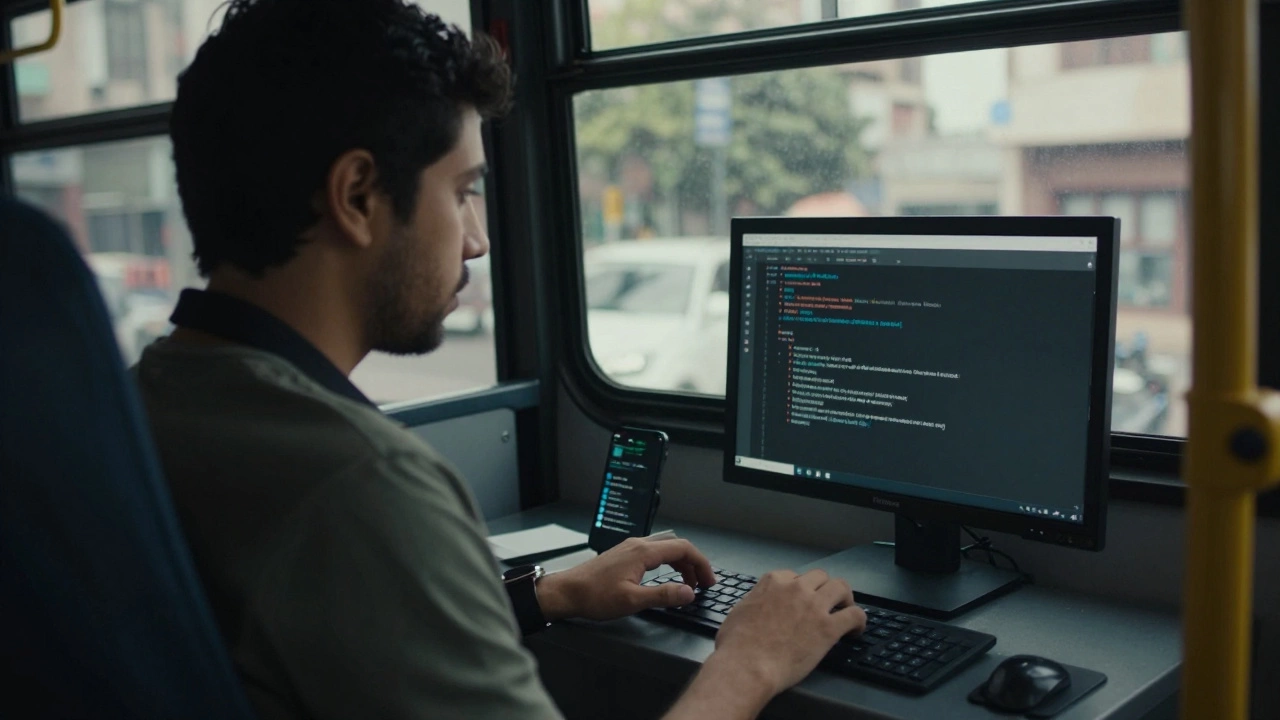
Let’s be honest-coding on a phone isn’t perfect. You won’t want to write a 10,000-line backend service on a 6-inch screen. Navigation is slower. Typing on a virtual keyboard is tiring for long sessions. Debugging complex errors is harder without multiple monitors.
But here’s the thing: you don’t need perfection to learn. You need consistency. If you can spend 20 minutes a day on your phone learning loops, variables, or functions, you’ll build momentum. Most people quit coding because they think they need the "right setup." You don’t. You just need to start.
Many professional developers use phones for quick edits, testing small scripts, or reviewing code while traveling. It’s not their main tool-but it’s their backup, their practice tool, and sometimes, their only tool.
Learning Resources You Can Use on Your Phone
Apps alone won’t teach you how to code. You need structure. Luckily, there are free, mobile-friendly resources:
- freeCodeCamp (mobile site): Interactive lessons in HTML, CSS, JavaScript. Works in any browser.
- Codecademy Go: Bite-sized mobile lessons for Python, SQL, and more. Offline mode included.
- YouTube: Search for "Python on phone" or "build app on Android". Watch tutorials while commuting.
- GitHub: Clone repos, read code, and even edit files directly in the app. Great for learning from real projects.
Combine these with your coding app, and you’ve got a complete learning system in your pocket.
Who Is This For?
This isn’t just for techies. It’s for:
- Students who can’t afford a laptop
- Parents who code during nap time
- Workers with long commutes
- People in regions where laptops are expensive or rare
- Anyone who wants to learn without waiting for the "right time"
There’s no barrier to entry. You don’t need money. You don’t need a desk. You just need a phone and 10 minutes a day.
Real Stories: People Who Started on Their Phone
In 2023, a 16-year-old from rural India used a second-hand Android phone and Termux to learn Python. He built a simple bot to automate his school’s attendance sheet. He posted it on Reddit. Someone noticed. He got an internship at a startup in Bangalore-no degree, no laptop.
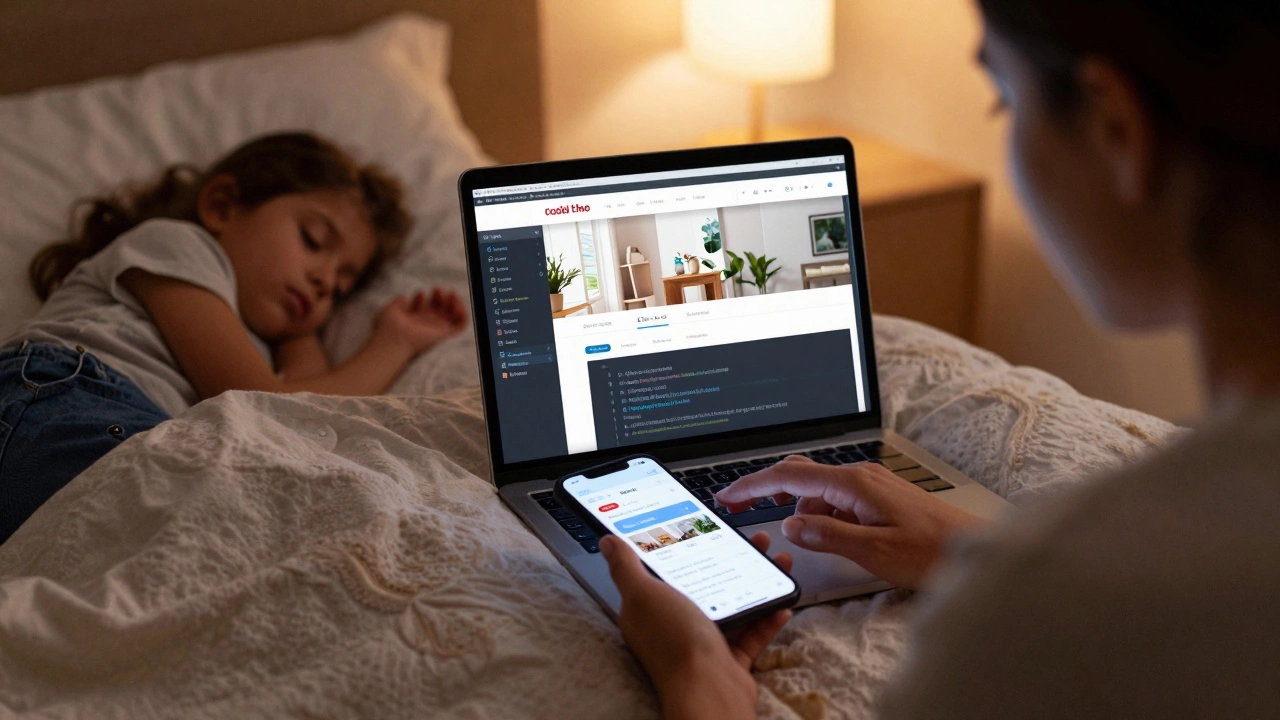
A single mom in Lima, Peru, learned HTML and CSS on her phone while her kids slept. She started a side business designing simple websites for local shops. Now she earns $800 a month.
These aren’t outliers. They’re examples of what’s possible when you stop waiting for perfect conditions.
What Comes Next?
Once you’re comfortable coding on your phone, you’ll naturally want to level up. That’s when you might:
- Buy a Bluetooth keyboard for faster typing
- Use a tablet for more screen space
- Transition to a laptop when you’re ready
But here’s the secret: you don’t need to upgrade to be good. Many of the world’s best coders started with nothing more than a phone and a stubborn will to learn.
Can I really build a real app on my phone?
Yes. Apps like AIDE let you write, compile, and publish Android apps directly from your phone. You can also build web apps using HTML, CSS, and JavaScript with live preview. Many developers have launched apps on Google Play and the App Store using only their phones.
Is coding on a phone slower than on a laptop?
For typing and editing large files, yes. But for learning, testing small code snippets, or running simple scripts, it’s often faster. You don’t need to boot up a computer or wait for software to install. Open the app and code-right now.
Do I need an internet connection to code on my phone?
Not always. Apps like Pydroid 3, Termux, and Code Editor work offline. You can write and run code without Wi-Fi. Only cloud-based tools like Replit need internet. For learning basics, offline apps are perfect.
What’s the best programming language to learn on a phone?
Start with Python or JavaScript. Python works great in Pydroid 3 and Termux. JavaScript works in Code Editor and Replit. Both are beginner-friendly, widely used, and have tons of mobile-compatible tutorials. Avoid languages like C++ or Java unless you’re ready for complex setup.
Can I use my phone to learn coding for job interviews?
Absolutely. Many coding interview platforms like LeetCode and HackerRank have mobile apps. You can solve problems on your phone during breaks. Practice daily, and you’ll build the muscle memory needed for interviews-even if you only have 15 minutes a day.
Final Thought: Your Phone Is a Computer
It’s 2025. The idea that you need a desktop to code is a relic. Your phone has more processing power than the first laptop I ever used. It’s always with you. It’s always on. It’s always ready to learn.
You don’t need permission. You don’t need a classroom. You don’t need to wait for Monday. Open your phone. Open an app. Type your first line of code. That’s all it takes.