How to Set Up a Learning Station: The Complete Guide for Home and Office
Learning Station Ergonomics & Setup Calculator
Calculate your ideal monitor height based on your eye level and determine essential ergonomic adjustments for your learning station.
Your Personalized Recommendations
Imagine this: you’re trying to focus on an online course, but your phone buzzes every three minutes, your back hurts from slouching in a dining chair, and the glare on your screen makes reading impossible. Sound familiar? You are not alone. As e-learning becomes the norm for millions of students and professionals worldwide, the place where we learn matters just as much as the content itself.
A dedicated learning station is more than just a desk with a laptop. It is a curated environment designed to minimize distractions, maximize comfort, and support cognitive retention. Whether you are preparing for professional certifications, teaching your children remotely, or simply upskilling in your spare time, setting up the right space can transform your productivity. Let’s break down exactly how to build a high-performance learning zone without breaking the bank.
Choosing the Right Location
The first step in setting up a learning station is picking the right spot. Many people make the mistake of working from their bed or the couch because it feels comfortable. While that might work for watching Netflix, it signals "rest" to your brain, making it harder to enter a state of deep focus. Instead, look for a quiet corner with natural light.
Natural light reduces eye strain and helps regulate your circadian rhythm, keeping you alert during daytime study sessions. If possible, position your desk perpendicular to a window. This avoids direct glare on your screen while still providing ambient brightness. Avoid spots near high-traffic areas like kitchen entrances or living room TVs. Even if you wear noise-canceling headphones, visual movement distracts the brain subconsciously.
- Quiet Zone: Choose a room away from household chaos.
- Lighting: Prefer north-facing windows or indirect sunlight.
- Space: Ensure enough room for books, notes, and equipment.
Ergonomics: Protecting Your Body
You cannot learn effectively if your body is screaming at you. Poor posture leads to back pain, neck strain, and headaches, which kill motivation faster than any boring lecture. Investing in ergonomic basics is non-negotiable for long-term success.
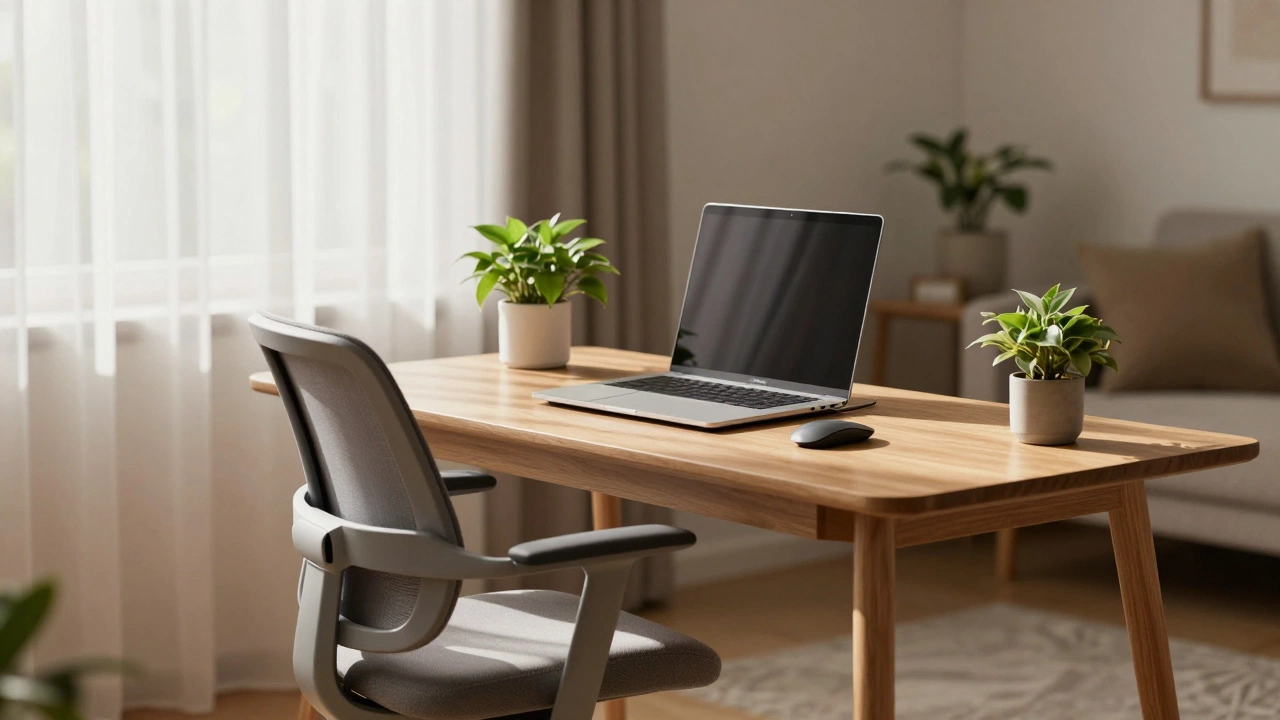
Start with your chair. A standard dining chair rarely offers lumbar support. Look for a chair with adjustable height and lower-back support. Your feet should rest flat on the floor, and your knees should form a 90-degree angle. Next, consider your monitor height. The top of your screen should be at or slightly below eye level. If you use a laptop, buy a simple stand to elevate it and pair it with an external keyboard and mouse. This keeps your neck neutral and prevents "tech neck," a common condition among remote learners.
| Item | Key Feature | Why It Matters |
|---|---|---|
| Chair | Lumbar support, adjustable height | Prevents lower back pain |
| Monitor Stand | Elevates screen to eye level | Reduces neck strain |
| Keyboard/Mouse | External, separate from laptop | Keeps wrists straight |
| Desk Height | Adjustable or standard 28-30 inches | Ensures proper arm angle |
Technology Setup for E-Learning
Since your title relates to e-learning platforms, your technology stack needs to be reliable and fast. Nothing disrupts flow like a buffering video or a dropped connection during a live session. Start by checking your internet speed. For HD video streaming and simultaneous app usage, aim for at least 50 Mbps download speed. If you are sharing bandwidth with other household members, consider upgrading your plan or using a wired Ethernet connection instead of Wi-Fi for stability.
Audio is often overlooked but critical. Built-in laptop speakers are usually tinny and force you to turn up the volume, which can disturb others or lead to hearing fatigue. Invest in a good pair of over-ear headphones with active noise cancellation (ANC). Brands like Sony, Bose, or even affordable options from Anker provide excellent isolation. Additionally, ensure your microphone is clear if you participate in webinars or group discussions. A USB headset or a standalone mic can significantly improve communication quality.
Don’t forget storage. Digital clutter mirrors physical clutter. Use cloud services like Google Drive or Dropbox to organize course materials, assignments, and notes. Create a consistent folder structure: Course Name > Week Number > Materials. This saves hours of searching later when you need to reference a specific lecture.
Lighting and Ambiance
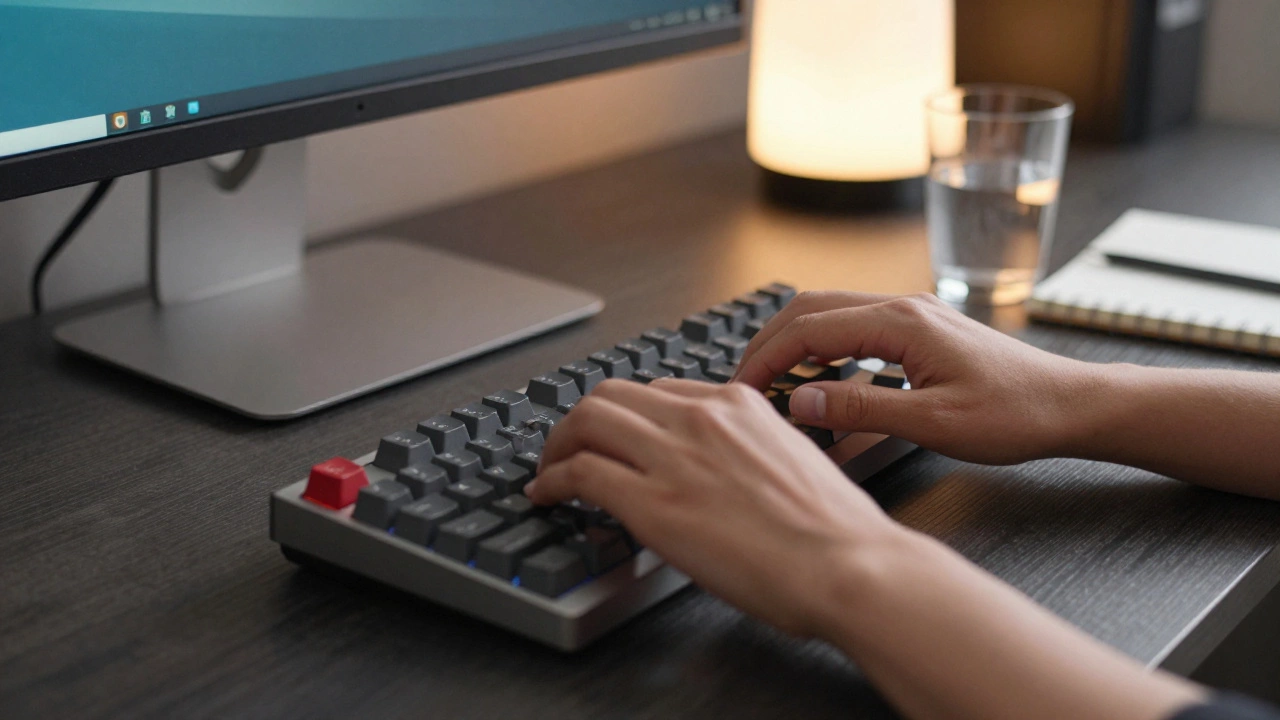
Lighting sets the mood for learning. Harsh overhead fluorescent lights can cause headaches and eye strain, especially during long study sessions. Aim for layered lighting. Combine ambient light (from a ceiling fixture or window) with task lighting (a desk lamp).
A warm-white LED desk lamp positioned to the side of your screen reduces glare and shadows. Avoid placing the lamp directly behind or in front of you. Color temperature also plays a role. Cooler, bluer light (4000K-5000K) promotes alertness and is ideal for morning or early afternoon study. Warmer light (2700K-3000K) is better for evening review sessions as it is less disruptive to melatonin production.
Add plants to your station. Studies show that having greenery nearby can reduce stress and improve concentration. A small succulent or pothos plant requires minimal care but adds a calming visual element to your workspace.
Minimizing Distractions
A beautiful setup means nothing if you can’t focus. Distractions come in two forms: environmental and digital. Address both proactively.
For environmental distractions, use noise-canceling headphones or white noise apps. If you live in a busy household, establish boundaries. A closed door or a "Do Not Disturb" sign signals to family members that you are in work mode. Keep your phone out of reach. Place it in another room or in a drawer. The mere presence of a smartphone reduces cognitive capacity, even if it’s silent.
Digital distractions require software solutions. Use website blockers like Freedom or Cold Turkey during study hours. These tools block social media, news sites, and gaming platforms for set periods. Turn off non-essential notifications on your computer and phone. Reserve notification checks for specific breaks rather than reacting to every ping.
Organizing Physical Space
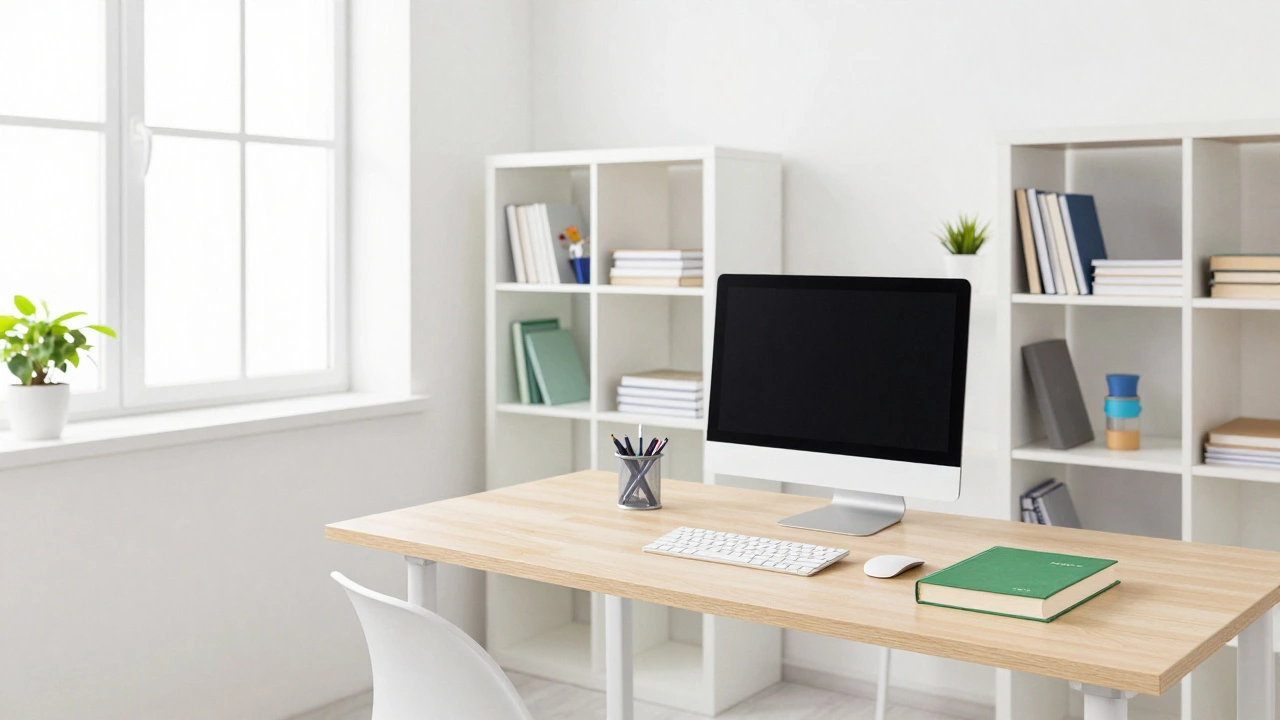
A cluttered desk leads to a cluttered mind. You don’t need a minimalist aesthetic, but you do need order. Use organizers to keep pens, notebooks, and chargers tidy. Drawer dividers prevent small items from becoming a jumbled mess.
Keep only essential items on your desk surface: your computer, notebook, pen, and water bottle. Store textbooks, reference materials, and extra supplies in shelves or drawers within easy reach. When you finish a study session, take five minutes to reset your space. Clear away papers, wipe down the surface, and organize your next day’s materials. This ritual signals the end of work and prepares you for fresh focus tomorrow.
Maintaining Your Learning Station
Setting up your station is a one-time task; maintaining it is a habit. Dust accumulates on screens and keyboards, affecting performance and hygiene. Clean your devices weekly with appropriate microfiber cloths and cleaning solutions. Check cable management regularly-tangled cords create visual noise and tripping hazards. Use velcro ties or cable clips to bundle wires neatly.
Reassess your setup every few months. Do you find yourself reaching too far for your mouse? Is your chair still supportive? Adjustments may be needed as your routine evolves. Flexibility is key. Your learning station should adapt to your changing needs, whether you switch from video-heavy courses to text-based reading or start incorporating standing desk intervals.
What is the best size for a learning station desk?
A desk width of at least 48 inches (120 cm) is ideal for most learners. This provides enough space for a monitor, keyboard, notebook, and reference materials without feeling cramped. If space is limited, a 36-inch desk works if you use vertical storage solutions like wall-mounted shelves.
Do I need a second monitor for e-learning?
While not strictly necessary, a second monitor significantly boosts productivity. It allows you to view course videos on one screen while taking notes or researching on the other. This eliminates constant tab-switching, which breaks focus. If budget is tight, a large ultrawide monitor can serve a similar purpose.
How can I reduce eye strain during long study sessions?
Follow the 20-20-20 rule: every 20 minutes, look at something 20 feet away for 20 seconds. Adjust your screen brightness to match ambient light, enable night mode filters in the evening, and ensure proper task lighting to reduce contrast between your screen and surroundings.
Is it okay to share a learning station with a partner or child?
Sharing is possible but challenging. Establish clear schedules for who uses the station when. Use headphones to avoid audio interference. Consider dual monitors or split-screen setups if simultaneous use is unavoidable. However, dedicated individual spaces generally yield better focus outcomes.
What are the cheapest ways to improve my learning station?
Focus on free improvements first: declutter your desk, adjust your chair height, reposition your screen to eye level, and optimize natural lighting. Low-cost additions include a $10 cable organizer, a used ergonomic chair, and a simple LED desk lamp. Prioritize ergonomics and distraction reduction over expensive gadgets.